











Have you ever looked at the busy Skytrack map and wished you could see your fellow Fly UK flyers as traffic in your sim? Well, there is a solution that doenst require complicated setup or an online ATC network like Vatsim.
Fly UK partnered with Unifly in 2025, and since then the platform has developed into much more than a multiplayer server. Its live map, automatic flight logging, landing analytics, event tools, achievements and cross-simulator support create a comprehensive community flying experience.
For Fly UK members, it offers another way to connect with fellow pilots; firing up UniFly allows members to enjoy the skies together—whether flying solo, a scheduled group route, exploring a new destination, or simply meeting friends for an impromptu flight.
In this blog, we dive into what UniFly does and can offer members.
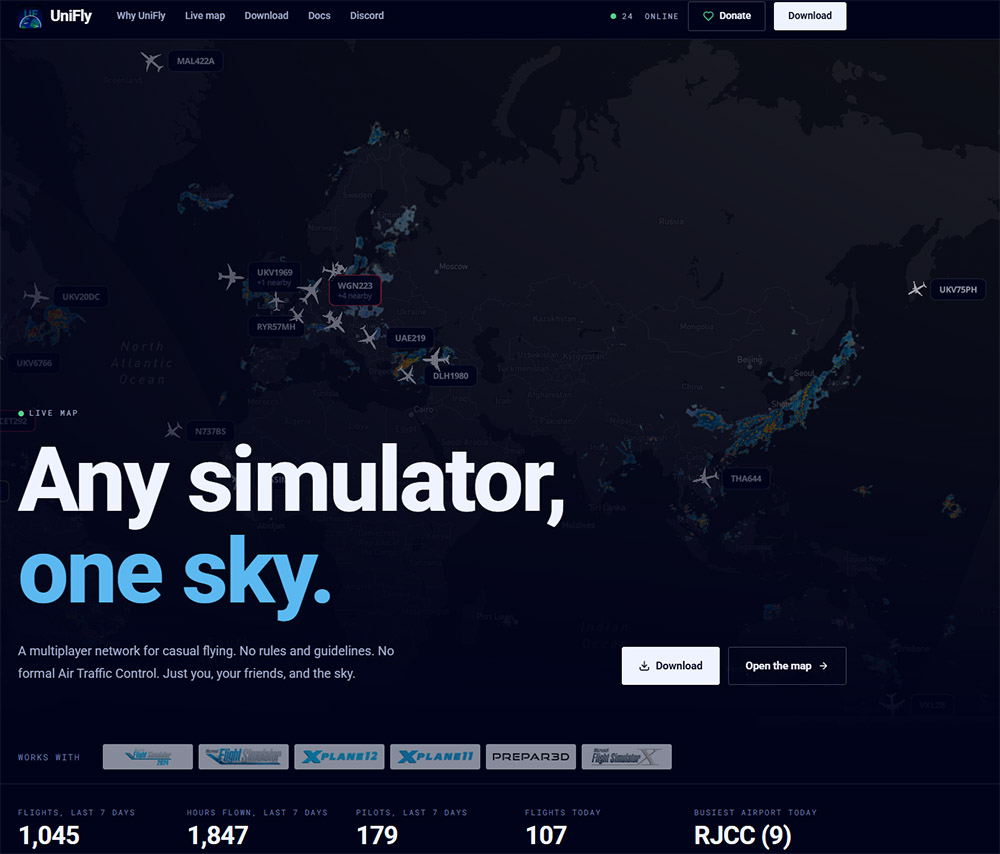
UniFly: Bringing the Flight Simulation Community Together, One Sky at a Time
From cross-simulator multiplayer flying to community events, flight tracking and detailed pilot logbooks, UniFly is changing how virtual pilots share the skies.
For flight simulation enthusiasts, one of the greatest pleasures is sharing the experience with others. Whether it's meeting at a busy airport, organising a group tour or simply cruising alongside friends, multiplayer flying adds a social dimension that can transform an ordinary flight into a memorable experience.
Enter UniFly — a multiplayer platform designed to bring flight simulator pilots together, regardless of which simulator they use. With a growing suite of features, a live map, detailed flight logging, landing analysis and community events, UniFly has become an increasingly valuable tool for virtual airlines and flight simulation communities, including Fly UK.

The history and evolution of UniFly
UniFly was developed around a simple but important idea: flight simulator pilots shouldn't be restricted to flying alongside others using the same simulator.
Traditionally, multiplayer environments have often been tied to individual simulators or required more complex arrangements to connect different platforms. UniFly set out to simplify that experience, creating a shared multiplayer environment where pilots could connect and see one another in the virtual skies.
The platform has grown from its multiplayer foundations into a broader community ecosystem. What began as a way to bring aircraft together now includes an interactive live map, flight logbooks, landing scoring, badges, leaderboards, virtual airline support, tours, events and streaming tools.
Developed by enthusiasts and funded through donations, UniFly remains free to use, with development driven by the flight simulation community and its own volunteer team.
One sky, multiple simulators
One of UniFly's most distinctive features is its cross-simulator compatibility.
Pilots using the following simulators can fly together on the same network:
- Microsoft Flight Simulator 2020
- Microsoft Flight Simulator 2024
- X-Plane 11 and 12
- Prepar3D versions 4, 5 and 6
- Microsoft Flight Simulator X (FSX)
This means a pilot flying an Airbus in MSFS 2024 can share the skies with a friend flying in X-Plane 12, or a fellow pilot using Prepar3D.
The UniFly client handles connections to the network, aircraft visibility and model matching, while its server infrastructure is designed to provide smooth, low-latency multiplayer movement.
Other useful features include:
- Pilot list: See other connected pilots, their callsigns, aircraft, altitude and distance.
- Model matching: Automatically match aircraft models and liveries, including support for FSLTL models.
- Teleport: Join another connected pilot by teleporting approximately 100 feet behind their aircraft.
- Private servers: Communities and virtual airlines can have their own hosted, password-protected environments.
- Lightweight client: The native application is designed to run quietly in the background without unnecessarily affecting simulator performance.
The UniFly Live Map: More than just aircraft dots
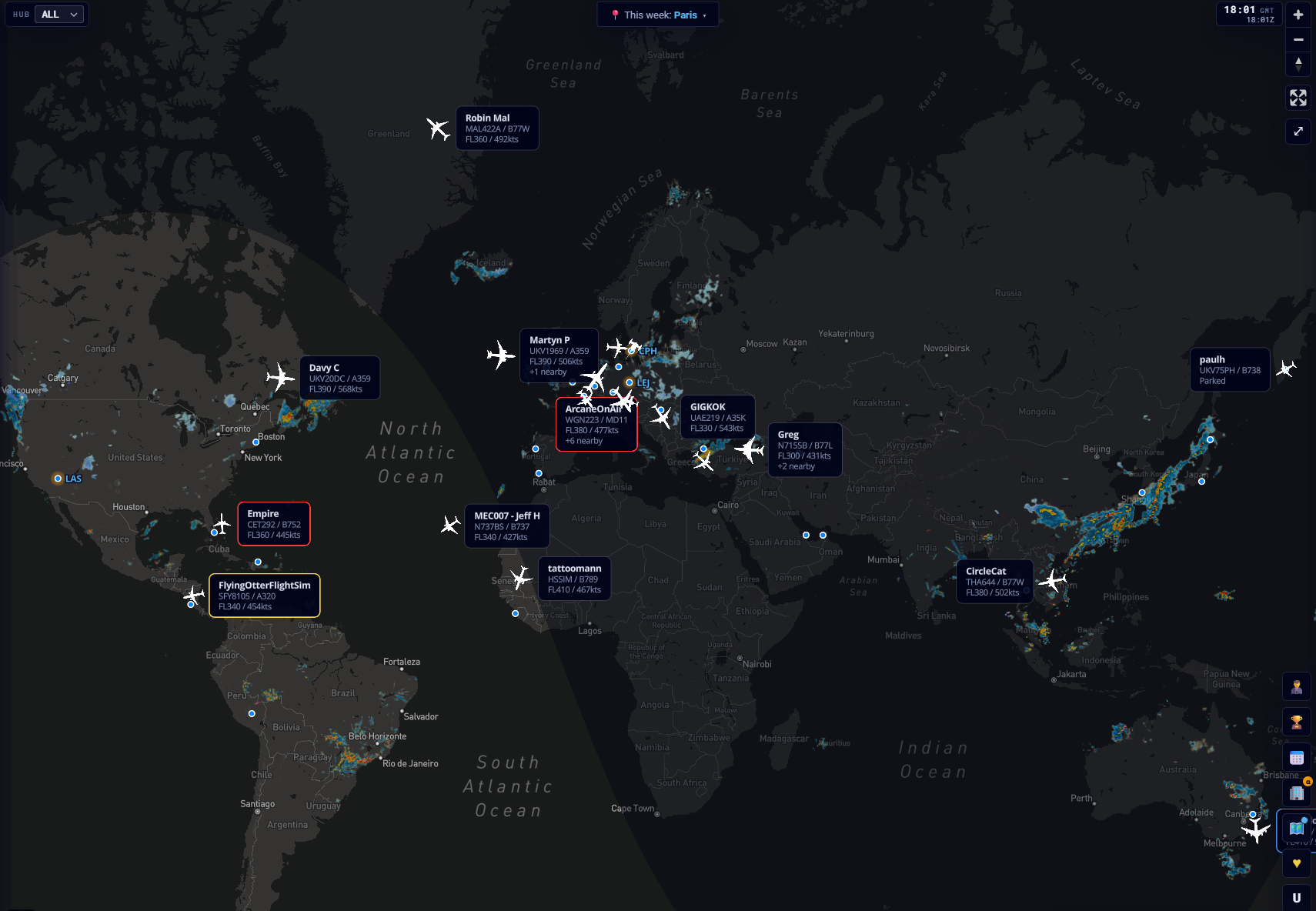
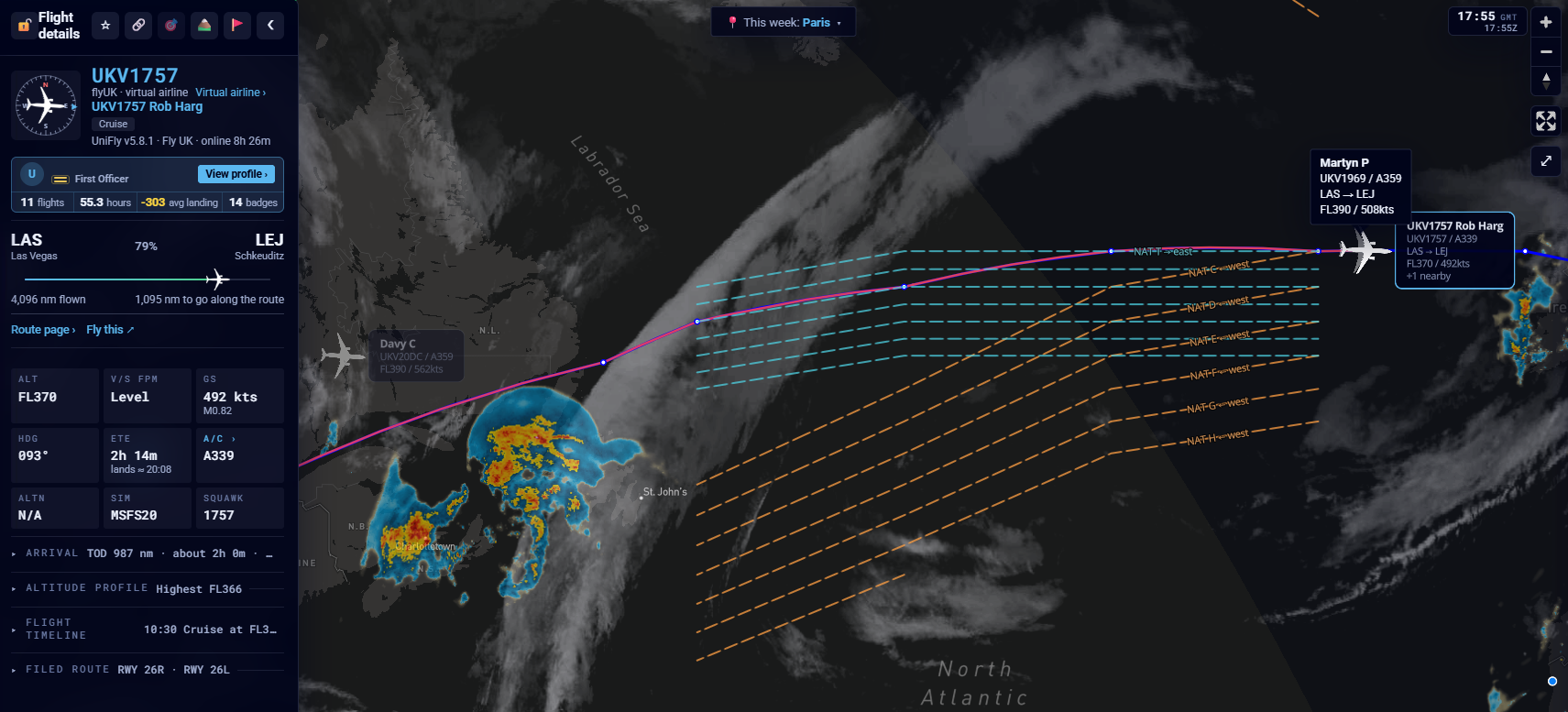
The UniFly Live Map is one of the platform's standout features. Accessible through a web browser, it provides a real-time overview of the network and serves as a central hub for pilots, events and flight activity.
Pilots can view aircraft in real time, follow routes, explore airports and monitor activity around the world. The map also includes a range of aviation-focused tools:
- Weather radar, METARs and wind information.
- Crosswind warnings.
- Runway numbers, taxiways, holding points and airport stands.
- Day/night shading and satellite map options.
- A 3D view of flights, including terrain and altitude.
- Live aircraft trails and route information.
The map is useful both during a flight and when planning the next adventure. Want to see where friends are flying, find a busy airport to visit or explore an interesting route? It is all accessible from the same interface.
UniFly also brings historical aviation into the map, including recreations of airports that no longer exist in their original form, such as Kai Tak and Chicago Meigs Field.
How Fly UK uses UniFly in the community
For Fly UK Virtual Airways, community flying is an important part of the virtual airline experience. Alongside its VATSIM and IVAO activities, Fly UK organises events using its own dedicated UniFly multiplayer server.
This gives members an opportunity to fly together in a more relaxed environment, whether they're taking part in a planned group flight, an informal fly-in, a training session or a community activity.
Fly UK has its own dedicated UniFly server, providing a convenient environment for members to meet up and fly together without needing to coordinate separate multiplayer sessions.








Comments
This is a community-moderated discussion. By posting you agree to our Terms & Conditions.